TL145ADMP03-00 120HZ

SKU: LT-10028372 In Stock
US $58.00
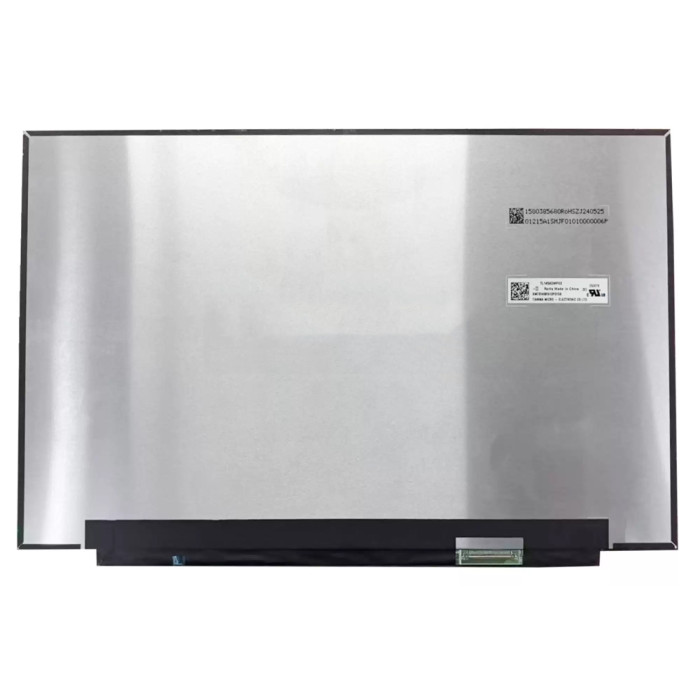
Model TL145ADMP03-00
Refresh Rate 120HZ
Resolution 2560(RGB)×1600, WQXGA, 16:10
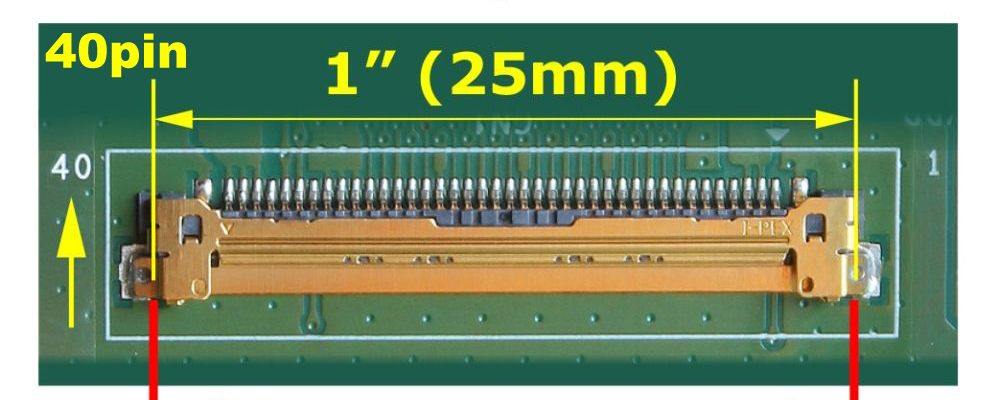
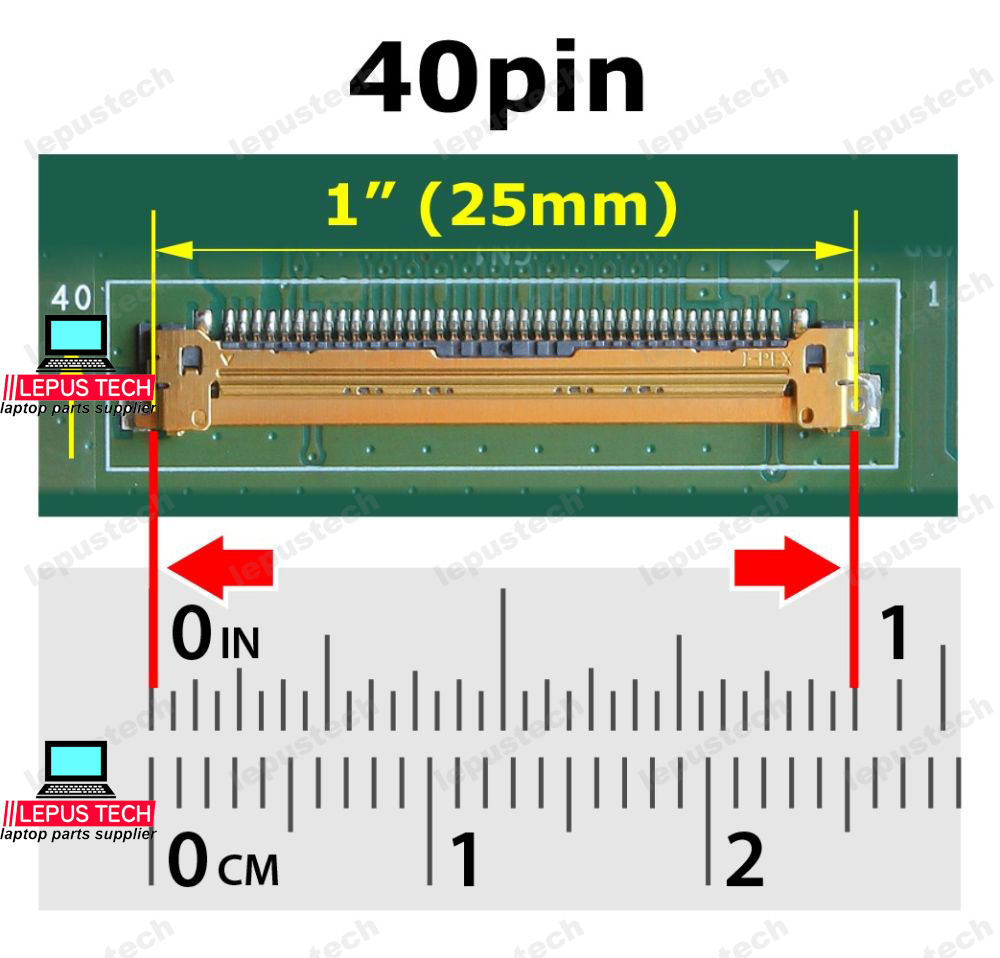
Connector EDP 40 pin, Width: 1.0 inch (25mm), Pitch: 0.5mm
Condition: New Grade A+
Delivery:
  • Send compatible model per info.
  • Same part number in stock sent first.
  • Note if exact part number needed when ordering.
Location: shenzhen,China

Size:14.5"

Resolution:2560(RGB)×1600, WQXGA, 16:10

Backlight:WLED 120HZ 100% sRGB

Connector:eDP (4 Lanes), eDP1.4b, 40 pins Connector
⚠️ Critical – Interface Compatibility
The connector type, pin count, and pitch must exactly match your laptop's motherboard. Even if the screen size and resolution are identical, a different interface will not fit or function.
Always verify your original screen's connector (e.g., EDP 30-pin, EDP 40-pin, LVDS) before ordering.
LCD screen quality testing

100% Tested – Connector & Signal Integrity

Every LCD panel undergoes rigorous testing for connector pin alignment, cable compatibility, and signal transmission stability to ensure it works flawlessly with your motherboard. We verify each unit's interface against specifications to prevent compatibility issues.

Pin count verification Pitch measurement Cable fitment test

LCD Interface Guide – Choose the Right Connector

Understand EDP, LVDS, pin counts, and pitch to ensure a perfect fit

1 Identify Your Current LCD Interface

Check the Screen Sticker

Remove the original screen and look at the back sticker. It often lists the connector type (e.g., "30-pin EDP", "40-pin LVDS") or the model number that can be looked up.

Physical Inspection

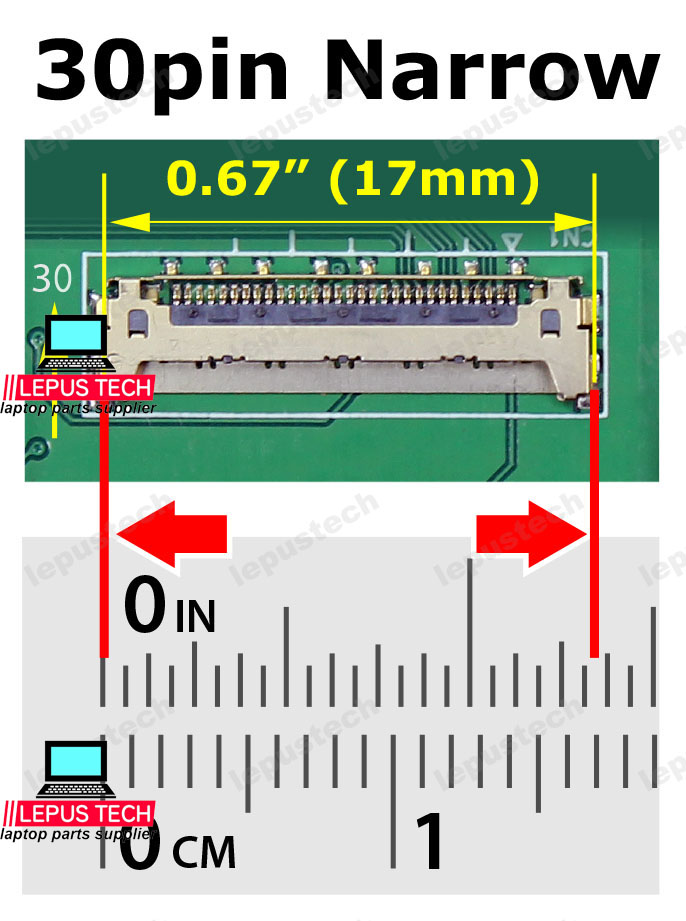
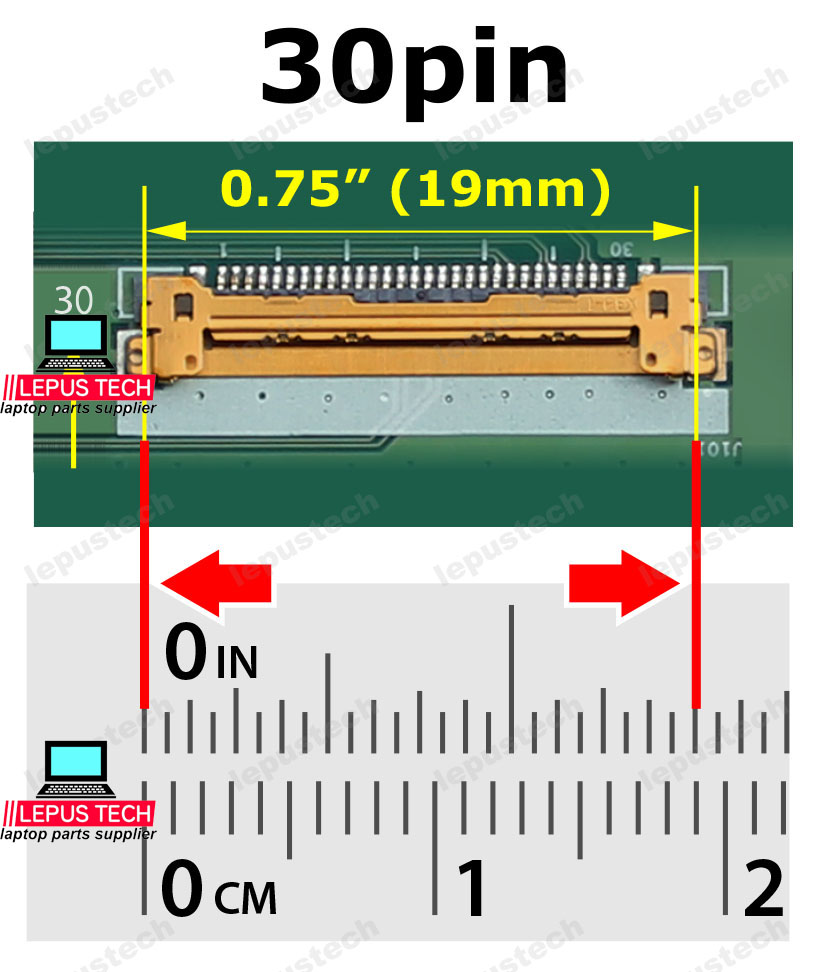
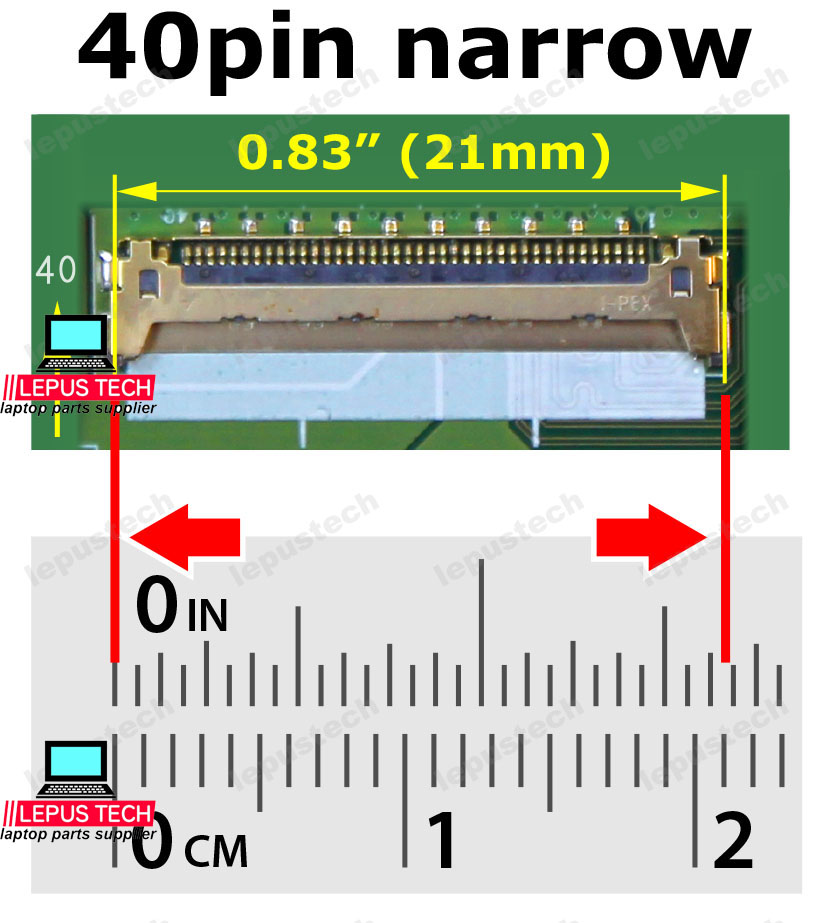
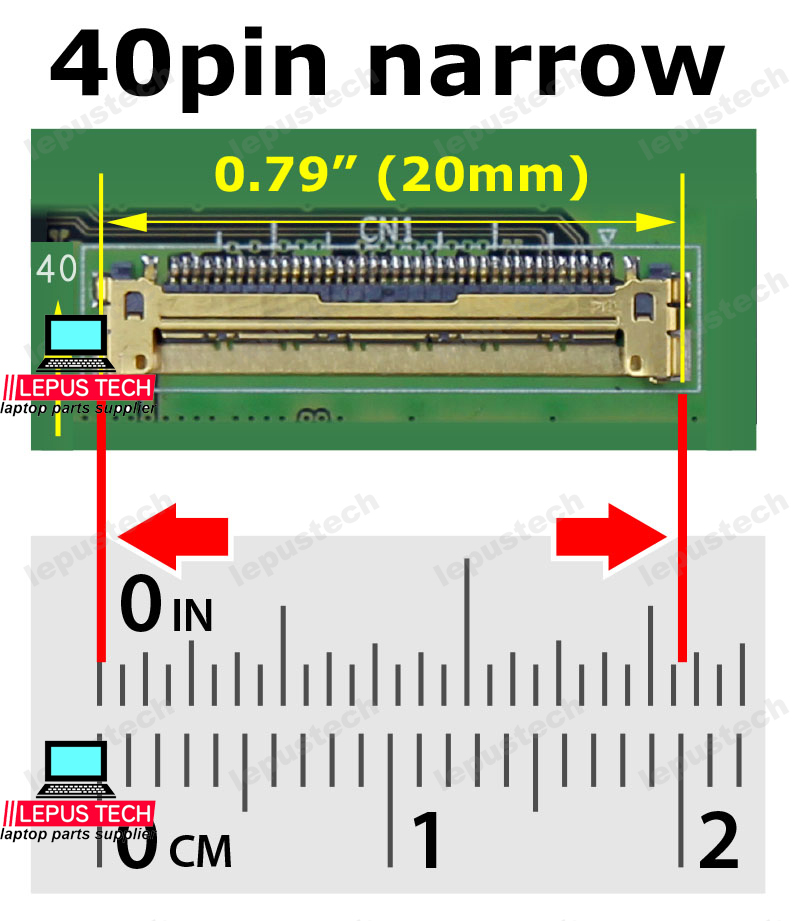
Count the number of pins on the flat cable connector (30 or 40 are common). Measure the width of the connector (e.g., 19mm, 21mm) to determine pitch.

Check Laptop Specs

Search your laptop's service manual or online forums for the exact panel part number and connector type. Many models use standard interfaces.

Software Tools

Use HWiNFO or AIDA64 to read the monitor's EDID – sometimes the panel model is displayed, which you can search to find interface details.


2 Common LCD Interface Types

Interface Common Pin Count Pitch / Width Typical Use
EDP (Embedded DisplayPort)30-pin / 40-pin0.4mm (narrow) / 0.5mm (standard)Modern laptops (2015+)
LVDS (Low-Voltage Differential Signaling)30-pin / 40-pin0.5mm (standard)Older laptops (pre-2015)
eDP 30-pin Narrow300.4mm, width ~17mmUltrabooks, thin laptops
eDP 30-pin Standard300.5mm, width ~19mmMainstream laptops
eDP 40-pin Narrow400.4mm, width ~20-21mmHigh-resolution panels (QHD/4K)
eDP 40-pin Standard400.5mm, width ~25mmHigh-end gaming/4K

Pitch is the distance between pins. Even with the same pin count, a different pitch means the connector will not fit. Always match pin count, pitch, and width.


3 How to Choose the Right Interface

Exact Match Required

Pin count, pitch, and connector width must be identical to your original – no adapter can fix a mismatch.

Check Cable Compatibility

The LCD cable in your laptop must also support the interface – e.g., a 30-pin cable cannot drive a 40-pin panel.

Motherboard Support

Some motherboards only support LVDS or only eDP. Check your laptop's generation – older models use LVDS.

Visual Confirmation

Compare the shape, color, and orientation of the connector on your original screen with the product photo – they must look identical.

Not sure about your connector? Take a clear photo of your original screen's connector and send it to us – we'll identify the interface for you! Contact us →